
TUTORIAL / 001
Your node. Your rules. Coffee first.
My first Bitcoin full node started with a Raspberry Pi, balenaEtcher and the discovery that a little digital independence does not need a server room. A spare corner will do. Patience, however, belongs on the shopping list.
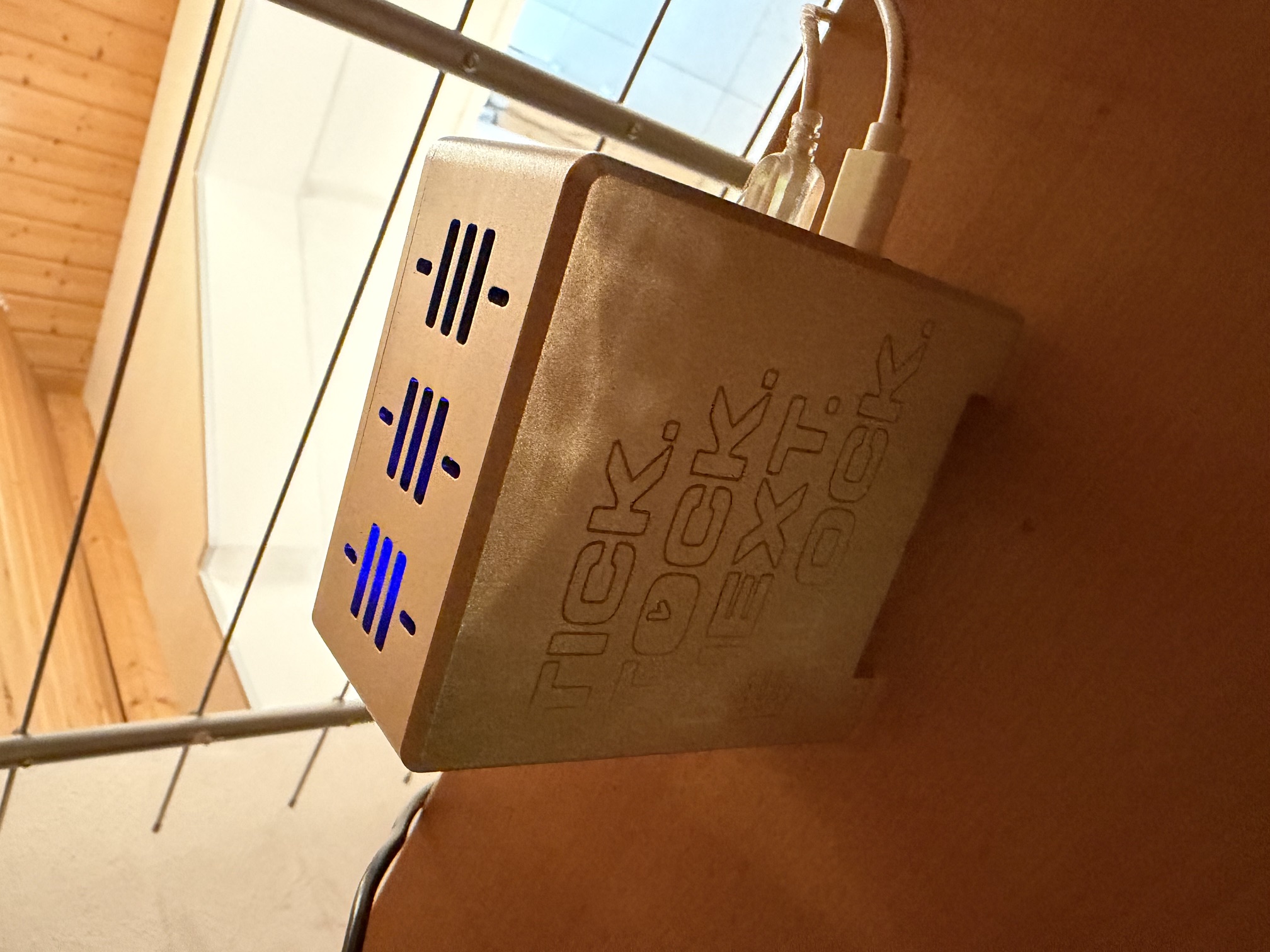
Own your node. Keep your groove.
I bought my Raspberry Pi full-node kit from nerdminer.de; my package included the USB adapter for flashing. I followed their full-node guide ↗ to set up Umbrel with balenaEtcher. From my own experience: it worked. Here is my account, with my own pictures and a healthy supply of coffee. A separate story about the full-node hardware is still to come.
Before the Pi gets busy
My machine has 16 GB of RAM and a 2 TB SSD. Add cooling, the official Raspberry Pi 5 power supply, Ethernet and a computer running balenaEtcher. Flashing an SSD needs a suitable USB adapter; my original card setup used the included microSD-to-USB adapter. They connect different kinds of storage, even if both end up in a USB port.
Get ready: room for Bitcoin
Gather the Pi, power supply, Ethernet cable and storage. Back up anything you still need from the target drive. Flashing erases its contents. My 2 TB SSD gives my setup room to grow; keep an eye on free space later. Bitcoin is still adding chapters.
Get the right image
Visit the official Pi installation page ↗ and download its Raspberry Pi 5 image. Extract the ZIP so the IMG file is ready. Choose the Pi 5 image, rather than a PC or Umbrel Home installer.
Meet Etcher
Download and install balenaEtcher ↗ for your computer. Connect the target storage. For my original setup, I put the microSD card into the included USB adapter; for a fresh SSD installation, connect the SSD using a suitable adapter.
Three buttons, one important check
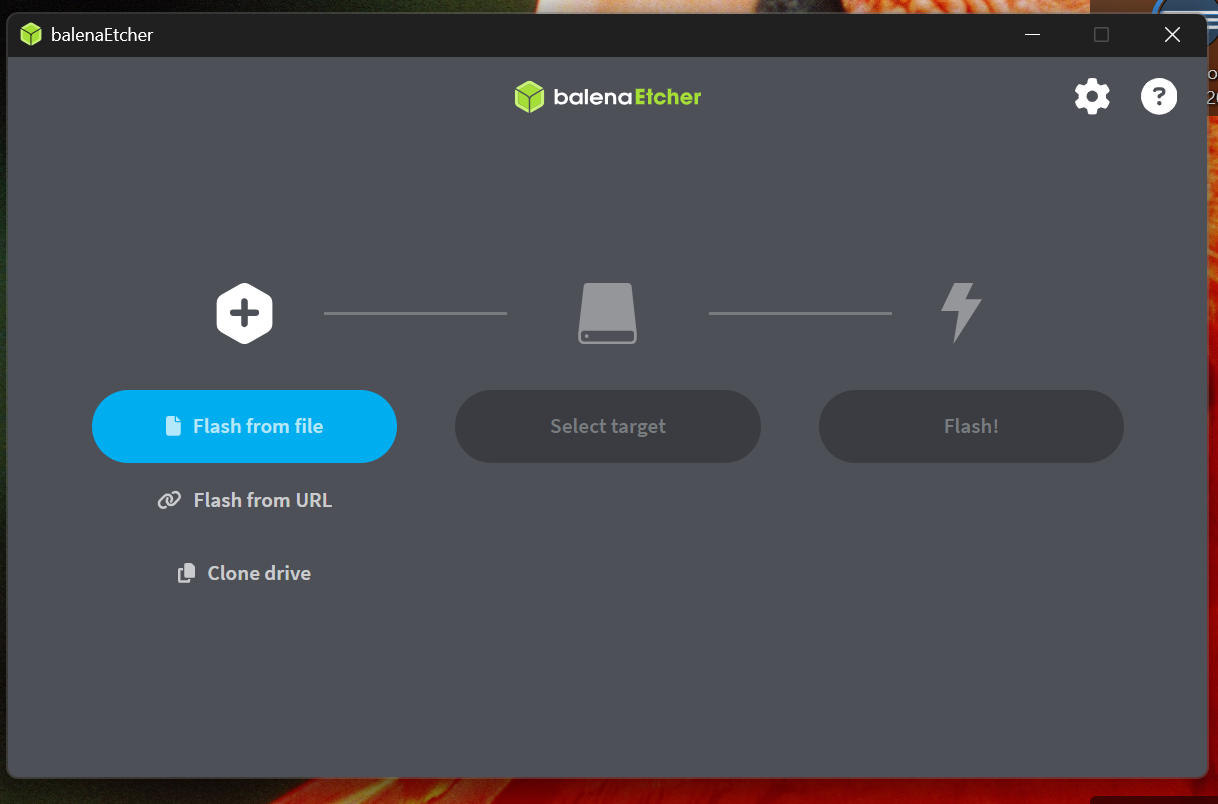
Choose Flash from file in Etcher and select the IMG file. Use Select target to check the drive name and capacity. Only then press Flash!. Let writing and validation finish, then safely eject the drive. Picking the correct target matters more than winning a clicking contest.
Plug in and boot
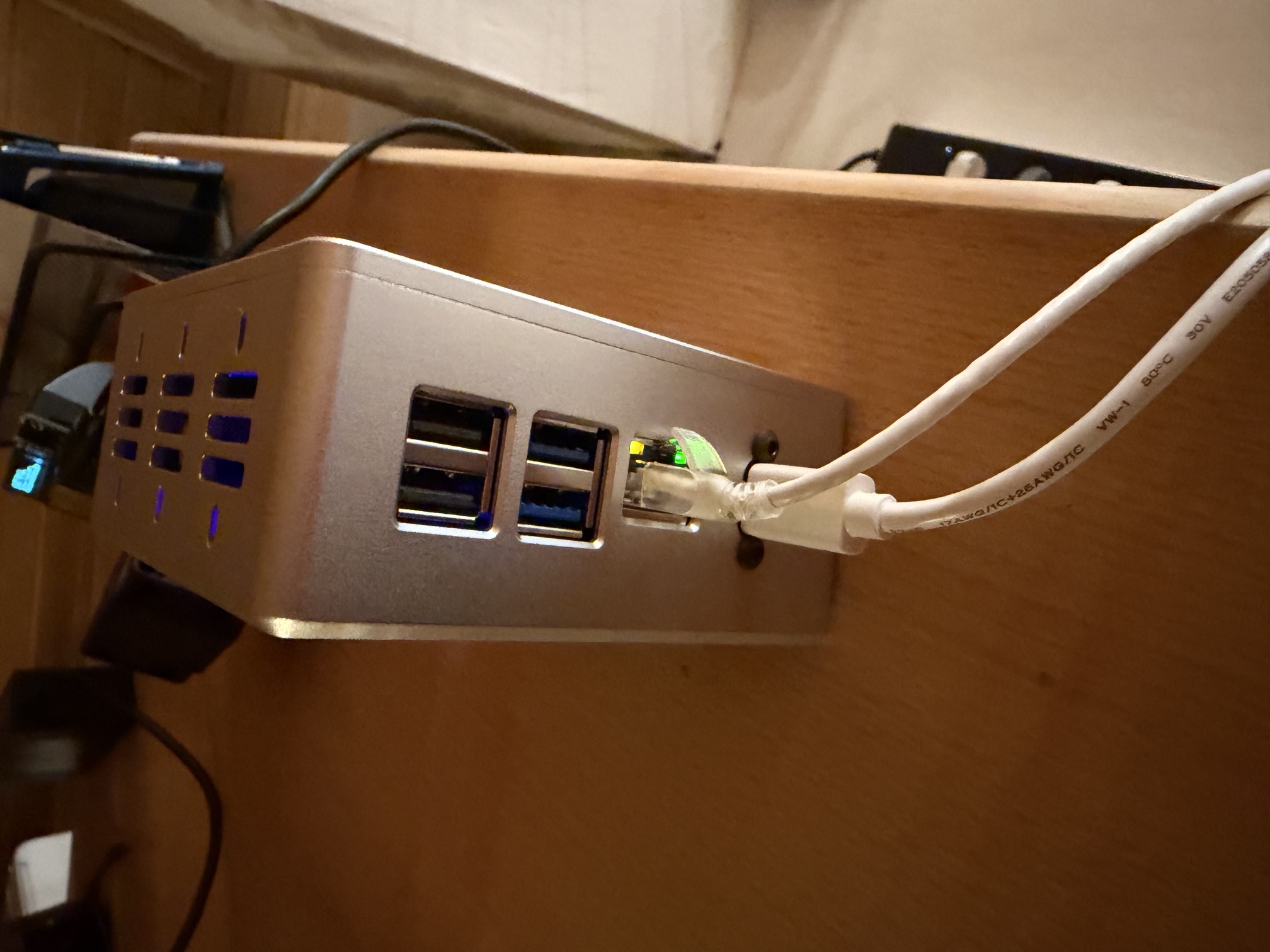
Connect the flashed SSD to the powered-off Pi. Remove any bootable microSD when starting from the SSD. Connect Ethernet to your router, then the official power supply. The older card-based setup used the flashed microSD plus a separate SSD. Umbrel’s notes on both boot methods ↗
Hello, Umbrel
Give the first boot a few minutes. Open http://umbrel.local from a device on the same home network. If the name does not resolve, find the Pi’s IP address in your router’s device list and open that instead. Resist repeatedly pulling the plug: small computers appreciate a calm entrance too.
Set up your login
Choose your name and a strong password in the setup screen, and keep that password somewhere safe. Then install the offered system update; on the current Pi installation path, this takes you from 1.7.4 to 2.0. Keep the Pi powered during the update. Umbrel installation and update ↗
Install Bitcoin Node
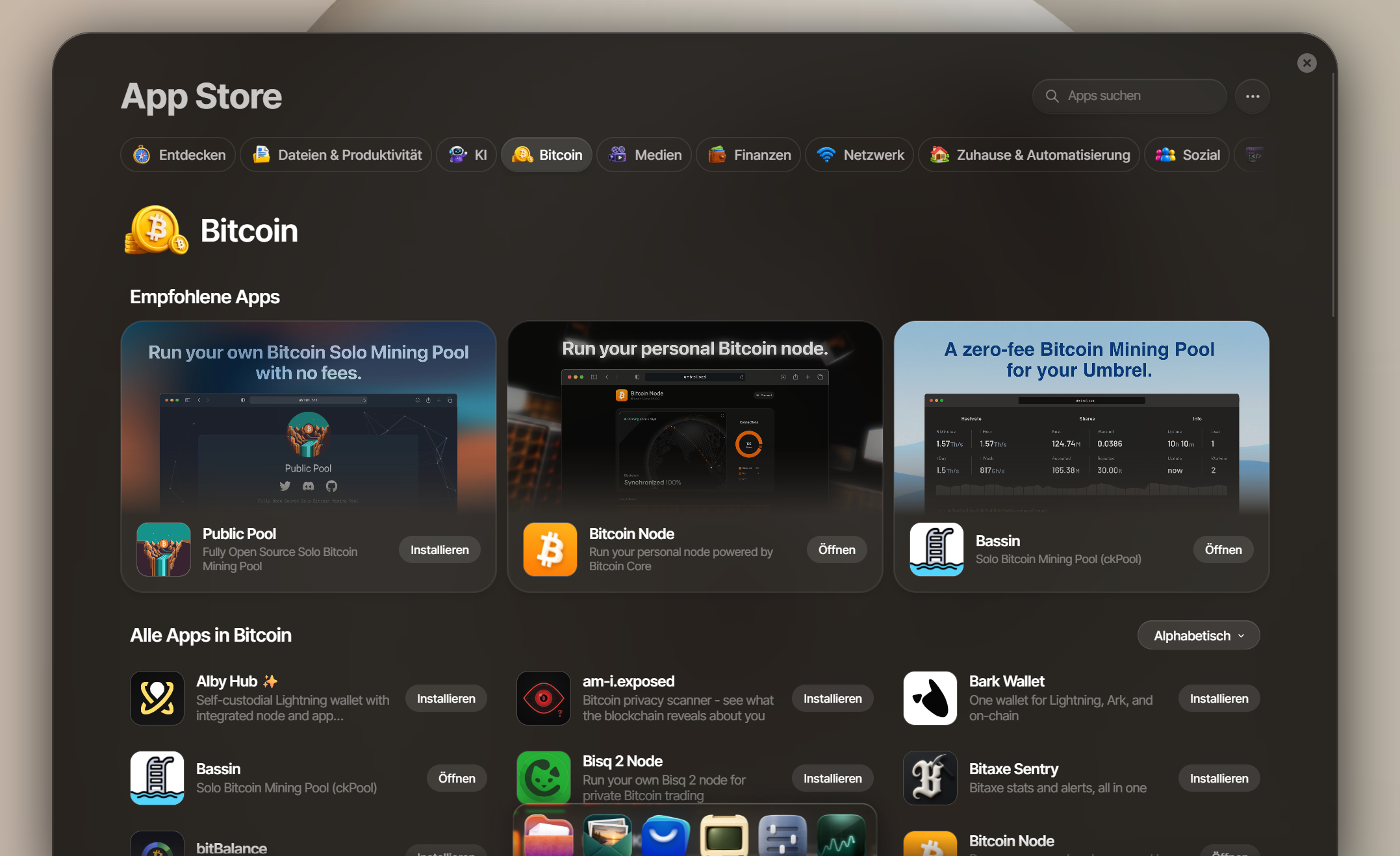
Open the App Store and find Bitcoin Node. Install it, then open it. The app uses Bitcoin Core to download and independently verify the blockchain. If the button already says “Open”, it is installed — as it is in my screenshot. Bitcoin Node in the Umbrel App Store ↗
Sync time: coffee gets a supporting role
Keep the Pi powered and online. Initial synchronization can take several days, depending on connection, storage and processing speed. Three days is not a deadline. Check progress and connections in the app. Your node is working through Bitcoin’s history, which is rather more reading than the Sunday paper.
Check, then explore
Once the app is fully synchronized and new blocks keep arriving, the foundation is ready. A full node verifies Bitcoin’s rules; it does not mine coins by itself. You can then expand the setup, perhaps with mempool for a view of the network. Lightning apps are a separate topic with their own backup needs and deserve their own unhurried evening.
Today, each machine has its own job
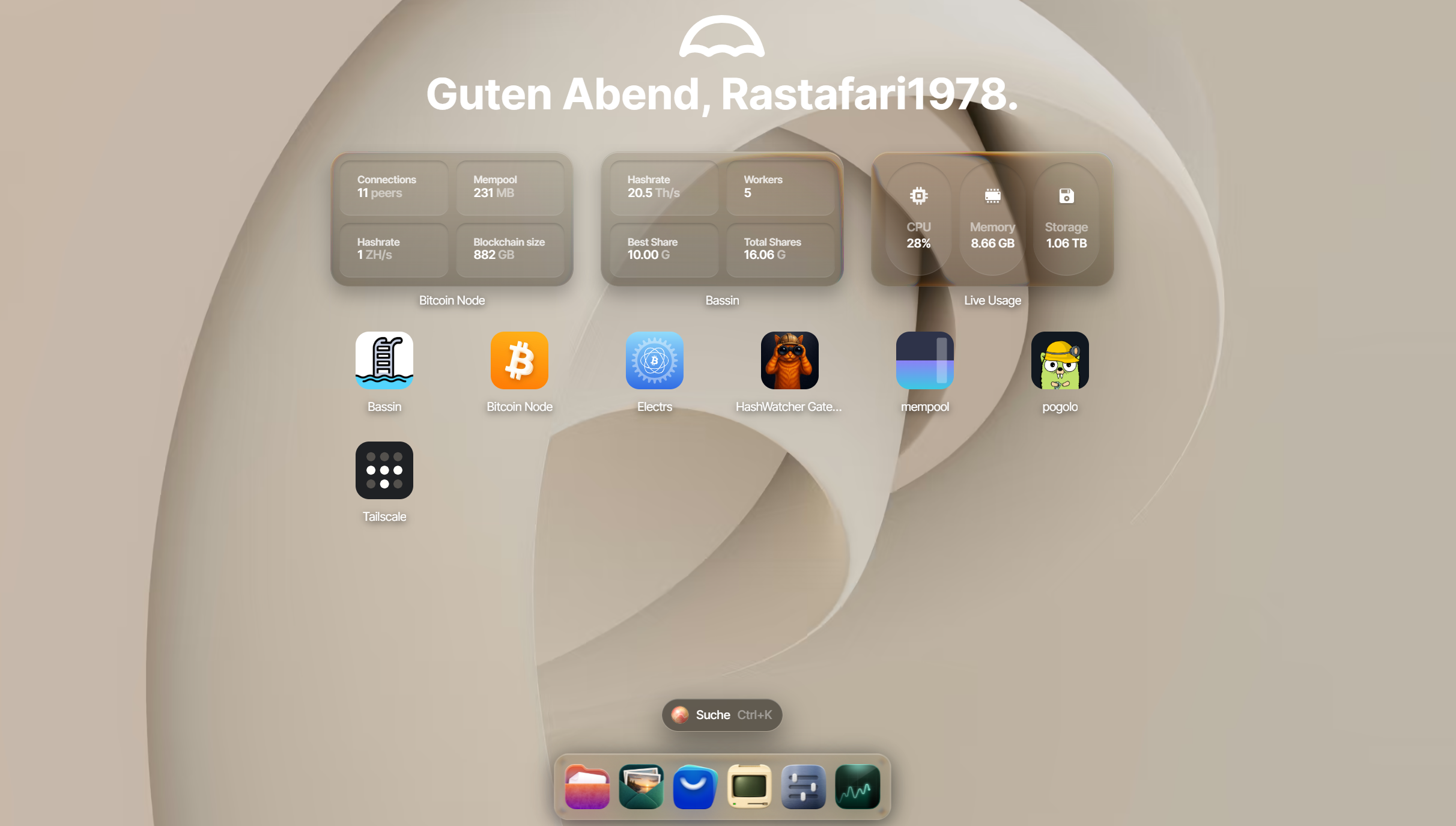
My Raspberry Pi now runs 5tratumOS. For Umbrel, I bought an original Umbrel Home directly from the Umbrel shop. The Pi is still on the team, just in a different role. That first Etcher setup took the mystery out of running my own node: once I had done it myself, it felt much more approachable. My 5tratumOS setup ↗ · My current Umbrel setup ↗
Useful reading
Technical guidance checked on 12 October 2026. Screens and labels can change between releases.
- Nerdminer.de · Fullnode ↗
- Umbrel · Raspberry Pi ↗
- Umbrel · Pi 5 Wiki ↗
- balenaEtcher ↗
- Bitcoin Node ↗
- Umbrel Home ↗
Flash. Verify. Coffee. Repeat.